 LiteDAW
Make room for your voice.
Import a backing track and record vocals. Count-in, loop recording and alternate takes help you keep the performances you want.
Your pocket recording studio
Bring a backing track. Find your voice. Build the rest around it. LiteDAW puts recording, instruments and a multitrack arrangement right where inspiration finds you.
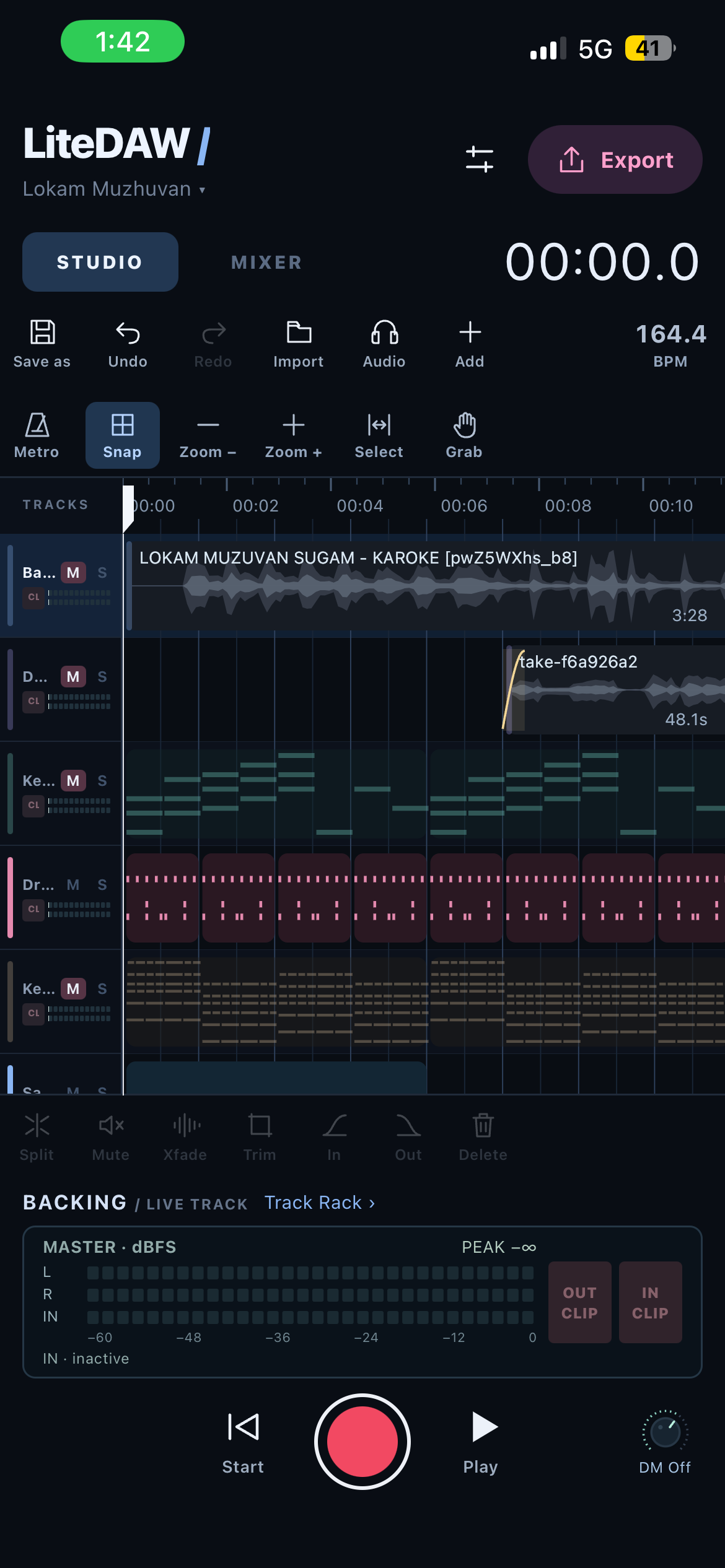
The real studio. On your phone.
From first take to final mix
A focused workspace for the whole process. Record another take, find the right part, and shape an arrangement without leaving the song behind.
Import a backing track and record vocals. Count-in, loop recording and alternate takes help you keep the performances you want.
Move, split, trim and repeat clips on a multitrack timeline. Add fades and optional section markers as the arrangement takes shape.
Balance levels and pan, add built-in effects, then export your audio. Save a portable project to pick up where you left off.
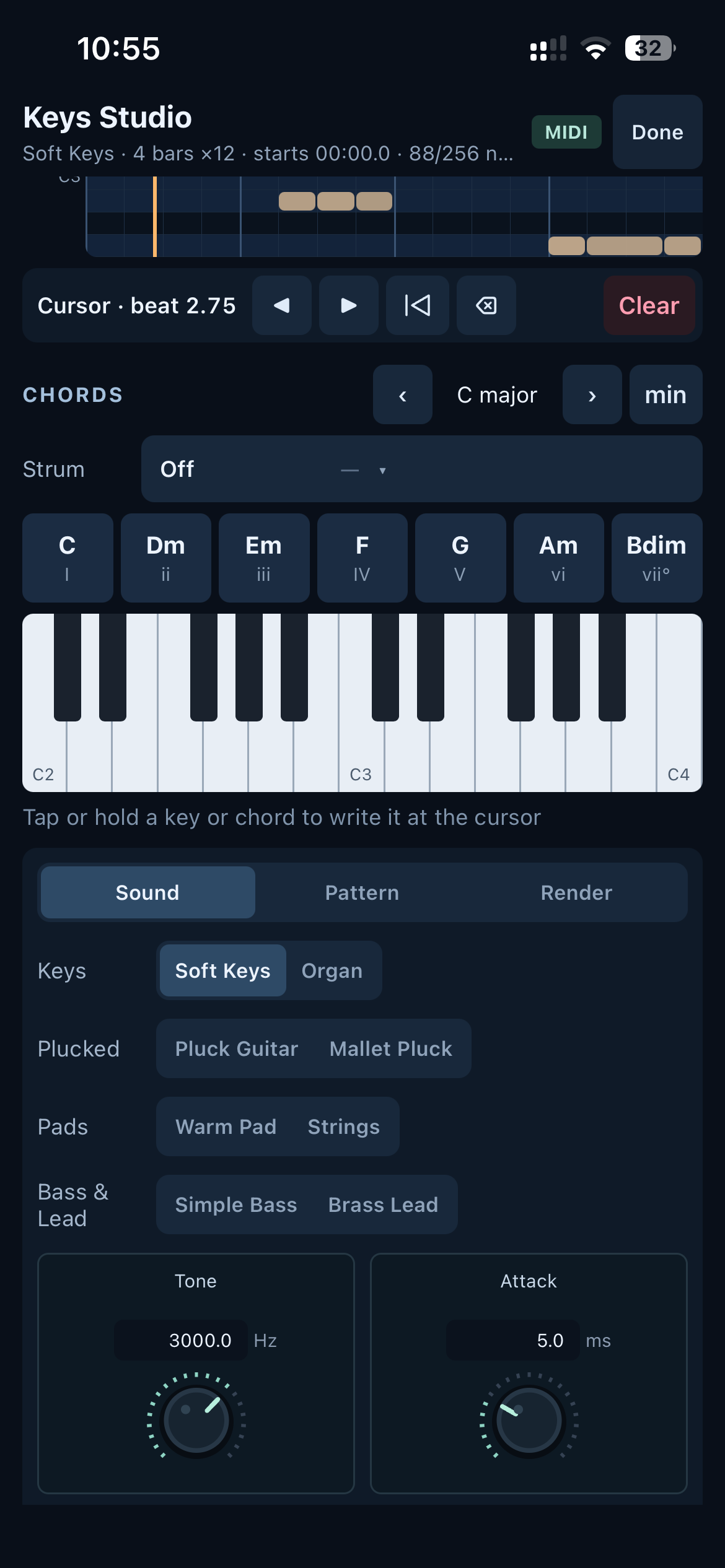
More than a voice memo
Play a chord, write a drum part, or bring in your own sample. Separate instrument studios keep the controls close to the part you’re making.